A JPG WITH A WHITE BACKGROUNDConvert WebP to JPG with a white background.
Need a JPG from a static WebP image? Convert it on your device. Transparent areas become white automatically.
Open Image converterTry a WebP with transparent edges
This fictional graphic is 960 × 640 pixels. The space around its colored card is transparent. A checkerboard is shown behind the preview to make that space visible; it is not part of the file.
Download the transparent WebP sample1. Open the image
Open Image converter and press “Choose image file”. Choose the downloaded WebP or your own static WebP image. Check its orientation and dimensions in the preview.
2. Choose JPG and image quality
Set “Output format” to “JPG · smaller photos”. Choose “High · 92%” for this example. “Balanced · 80%” is another option when you prefer a smaller file; compare the result for your image.
JPG cannot store transparency. The converter fills transparent areas with white automatically. It keeps colored backgrounds already present in the picture; it does not remove a background or let you choose a different background color.
3. Convert, save and compare
Press “Convert image”, then “Download JPG”. Open the saved file. Our sample remains 960 × 640 pixels, and its transparent outer margin is now white.
Check edges and small text at the size where you will use the image. JPG uses lossy compression, so changing format does not improve detail or guarantee a smaller file than the original WebP.
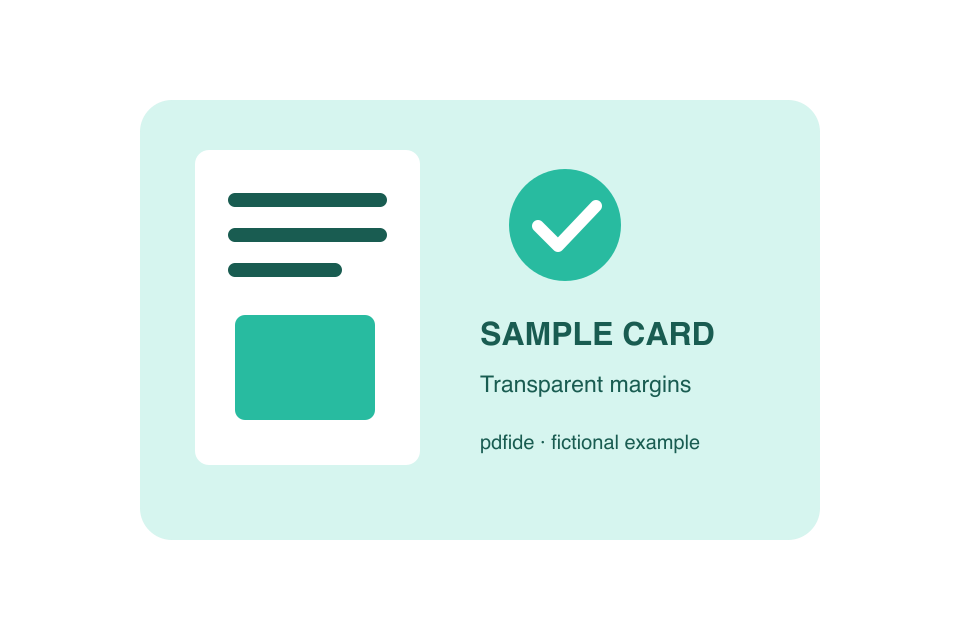 Before: transparent WebP over a display-only checkerboard.
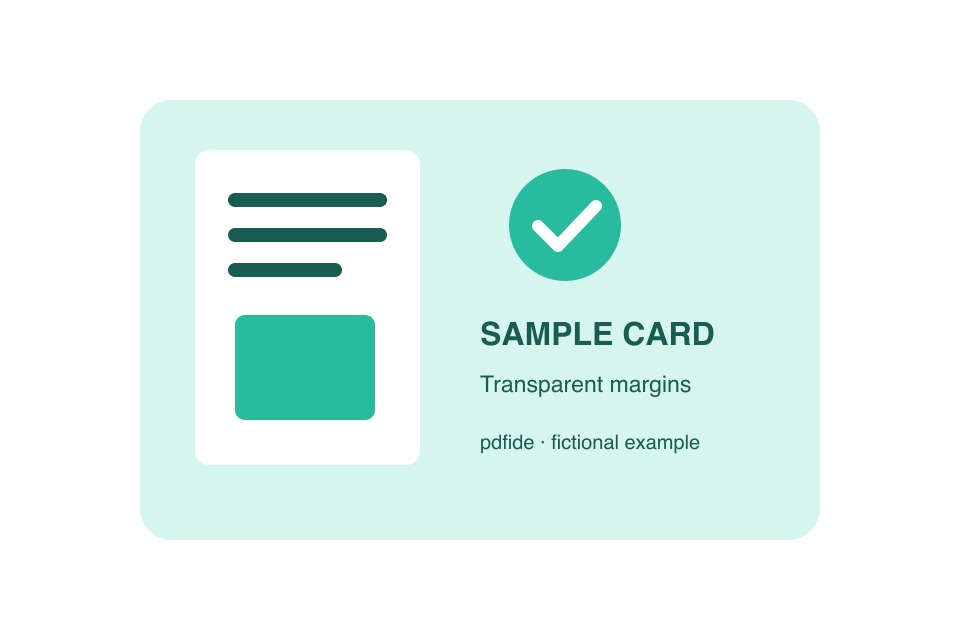 After: actual JPG made with Image converter at High · 92%.
What happens to the size and transparency?
Images with a longest edge over 3,500 pixels are resized to fit that limit. Smaller images keep their dimensions in Image converter. Photo metadata is not copied.
If you need transparent edges, select PNG or WebP instead of JPG. If a form asks for specific pixel dimensions, use Crop & resize. Save the edited image, then choose it in the next tool.
Supported files and limits
Choose one JPG, PNG or static WebP image, up to 20 MB and 16 megapixels, with no side longer than 12,000 pixels. Output is limited to 50 MB. Animated WebP/PNG, GIF, HEIC and SVG are not supported.
This guide changes the file format and fills transparency. It does not recolor opaque pixels, remove objects or recover missing image detail.
Your files stay on your device
The tool processes your file in your browser without uploading it or its filename. Anonymous operation and download-button counts are described in our privacy details. A download click does not confirm that a file was saved.
If something goes wrong, describe the issue without attaching your file.
